
Course:
Complete C++ Programming Course


In this lesson, you will learn
The following Figure shows an integer array called c, containing 12 elements.

Any one of these elements may be referred to by giving the array’s name followed by the position number of the particular element in square brackets ([]).
The first element in every array is the zeroth element (i.e., the one with position number 0).
An array name, like other identifiers, can contain only letters, digits and underscores and cannot begin with a digit.
int, all double, etc.
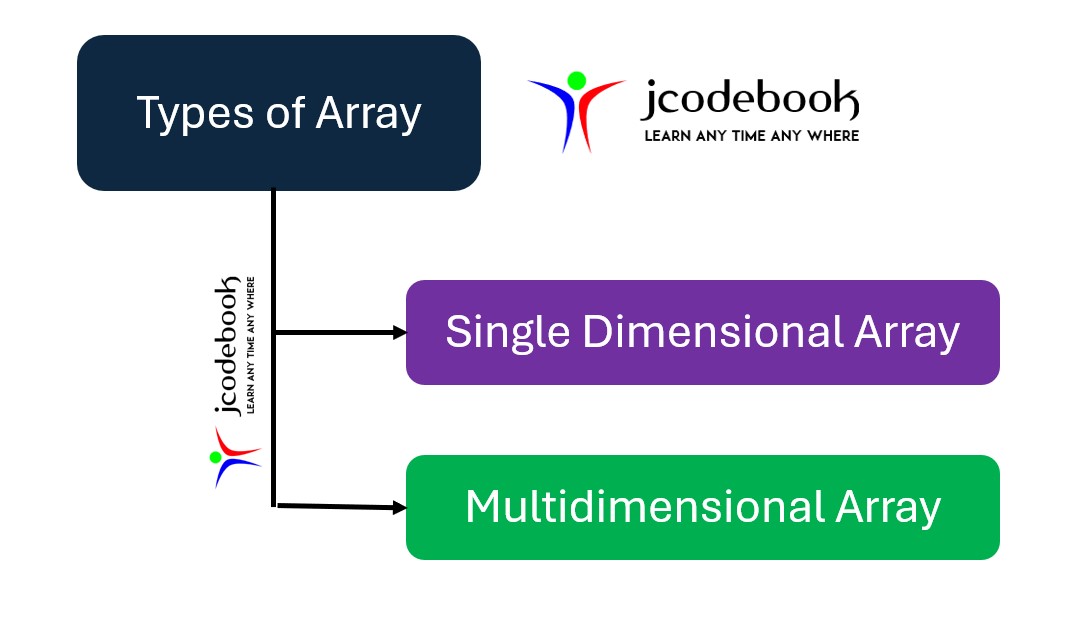
Arrays in Java can be of the following types
type arrayName[arraySize];
int, float, char, etc.).
int numbers[5]; // Declares an array of 5 integers
float decimals[3]; // Declares an array of 3 floating-point numbers
char letters[4]; // Declares an array of 4 characters
Arrays can be initialized at the time of declaration.
int numbers[5] = {1, 2, 3, 4, 5}; // Initializes all 5 elements
float decimals[3] = {1.1, 2.2, 3.3}; // Initializes all 3 elements
char letters[4] = {'a', 'b', 'c', 'd'}; // Initializes all 4 elements
You can access array elements using their indices.
#include<iostream>
using namespace std;

int main() {
    int numbers[5] = {1, 2, 3, 4, 5};

    // Accessing elements
    cout << "First element: " << numbers[0] << endl; // Output: 1
    cout << "Third element: " << numbers[2] << endl; // Output: 3

    return 0;
}
#include<iostream>
using namespace std;

int main() {
    int numbers[5] = {10, 20, 30, 40, 50};
    int sum = 0;

    // Calculating the sum of all elements
    for(int i = 0; i < 5; i++) {
        sum += numbers[i];
    }

    cout << "Sum of all elements: " << sum << endl; // Output: 150

    return 0;
}
#include<iostream>
using namespace std;

int main() {
    int numbers[5] = {10, 20, 50, 40, 30};
    int max = numbers[0];

    // Finding the maximum element
    for(int i = 1; i < 5; i++) {
        if(numbers[i] > max) {
            max = numbers[i];
        }
    }

    cout << "Maximum element: " << max << endl; // Output: 50

    return 0;
}
#include<iostream>
using namespace std;

int main() {
    int numbers[5] = {1, 2, 3, 4, 5};

    // Reversing the array
    for(int i = 0; i < 5 / 2; i++) {
        int temp = numbers[i];
        numbers[i] = numbers[5 - 1 - i];
        numbers[5 - 1 - i] = temp;
    }

    // Displaying the reversed array
    cout << "Reversed array: ";
    for(int i = 0; i < 5; i++) {
        cout << numbers[i] << " ";
    }
    cout << endl;

    return 0;
}
These examples illustrate how to declare, initialize, access, and manipulate arrays in C++. Arrays are fundamental structures in C++ that provide a way to store and operate on a fixed-size sequential collection of elements of the same type.
In C++, you can pass any array to a function by using the following methods
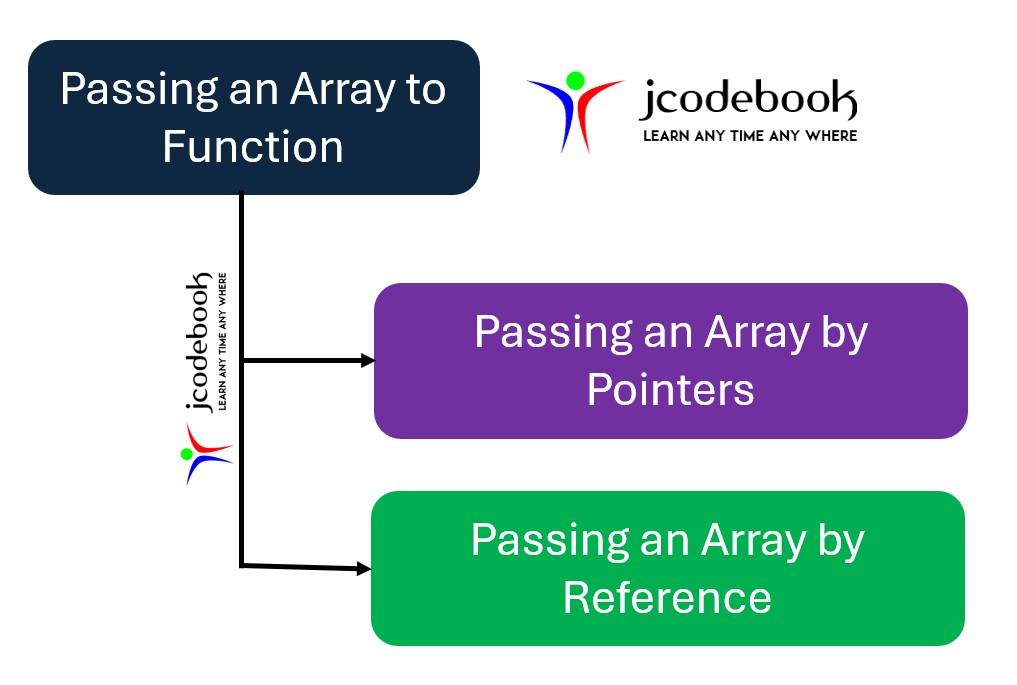
When you pass an array by pointer, you are essentially passing the address of the first element of the array.
#include

void printArray(int* arr, int size) {
    for (int i = 0; i < size; ++i) {
        std::cout << arr[i] << " ";
    }
    std::cout << std::endl;
}

int main() {
    int arr[] = {1, 2, 3, 4, 5};
    int size = sizeof(arr) / sizeof(arr[0]);
    printArray(arr, size);
    return 0;
}
1 2 3 4 5
#include

// Function to print an array by reference
void printArray(int (&arr)[5]) {
    for (int i = 0; i < 5; ++i) {
        std::cout << arr[i] << " ";
    }
    std::cout << std::endl;
}

int main() {
    int arr[5] = {1, 2, 3, 4, 5}; // Fixed-size array
    printArray(arr); // Passing array by reference
    return 0;
}
1 2 3 4 5
When you declare an array, the array name represents the address of the first element of the array. You can use a pointer to access and manipulate array elements.
#include<iostream>
using namespace std;

int main() {
    int arr[5] = {10, 20, 30, 40, 50};
    int *ptr = arr; // Pointer to the first element of the array

    // Accessing array elements using the pointer
    for (int i = 0; i < 5; i++) {
        cout << "Element " << i << ": " << *(ptr + i) << endl;
    }

    return 0;
}
int *ptr = arr; assigns the address of the first element of arr to the pointer ptr.*(ptr + i) is used to access the elements of the array.
Pointer arithmetic allows you to navigate through the array elements using a pointer.
#include<iostream>
using namespace std;

int main() {
    int arr[5] = {10, 20, 30, 40, 50};
    int *ptr = arr;

    // Incrementing the pointer to traverse the array
    for (int i = 0; i < 5; i++) {
        cout << "Element " << i << ": " << *ptr << endl;
        ptr++; // Move the pointer to the next element
    }

    return 0;
}
ptr is incremented (ptr++) to point to the next element in the array.*ptr is used to access the value at the current pointer location.You can also have an array of pointers, where each pointer points to an element in an array or different arrays.
#include<iostream>
using namespace std;

int main() {
    int arr1[3] = {1, 2, 3};
    int arr2[3] = {4, 5, 6};
    int arr3[3] = {7, 8, 9};

    int *ptrArr[3] = {arr1, arr2, arr3}; // Array of pointers

    // Accessing elements using the array of pointers
    for (int i = 0; i < 3; i++) {
        for (int j = 0; j < 3; j++) {
            cout << "Element [" << i << "][" << j << "]: " << ptrArr[i][j] << endl;
        }
    }

    return 0;
}
int *ptrArr[3] = {arr1, arr2, arr3}; creates an array of pointers where each element points to the beginning of an array (arr1, arr2, arr3).ptrArr[i][j] is used to access the elements of the arrays.
nice
good
best
very very good.
You must be logged in to submit a review.


 Google