
Course:
Complete Java Programming Course

In the delegation event model, listeners must register with a source to receive event notifications, which are sent only to listeners who want them.
Let’s use a classroom scenario to explain the Java Event Delegation model.

Imagine a classroom where the teacher (Mr. Smith) is giving a lecture, and the students are listening. Mr. Smith has an assistant (Alice) who helps him manage the class.
In this analogy:
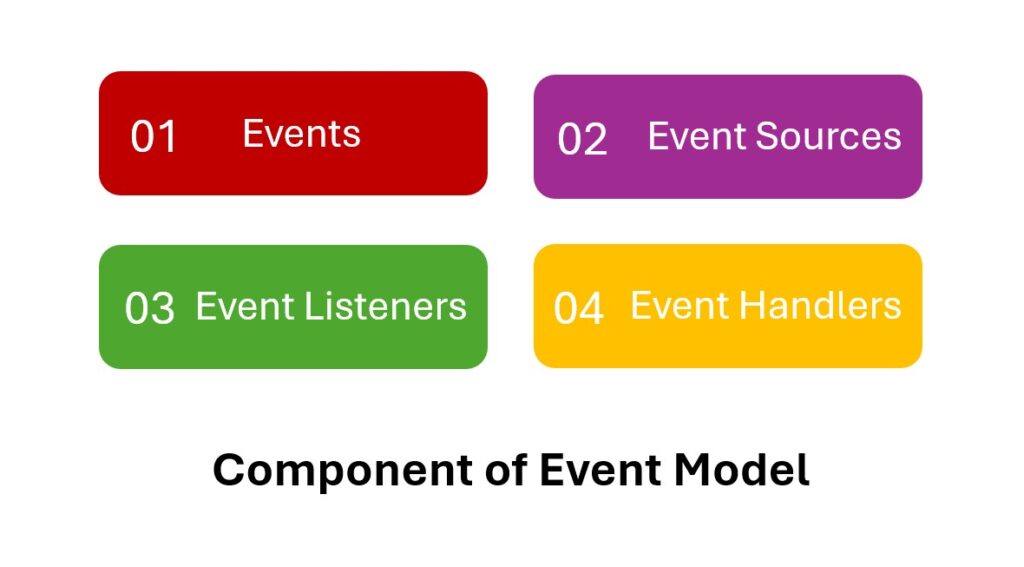
The following are the 4 important components of the Event Handling Model.
Here is the syntax for registering listeners to receive event notifications.
public void addTypeListener (TypeListener el )
Here, Type is the event name, and el is a reference to the event listener.
For example, the method used to register a keyboard event listener is called addKeyListener(). The method that registers a mouse listener is called addMouseListener( ).
When an event occurs, all registered listeners are notified and receive a copy of the event object.
This is known as multicasting the event. In all cases, notifications are sent only to listeners who register to receive them.
A listener is an object that is notified when an event occurs. It has two major requirements.
Once the listener is notified of a specific event, it calls the event handler (methods) and passes information about the event.
The information may include the source that generated the event and the time it was generated.
An event handler is a method invoked by an event listener when an event is triggered. These methods are defined in the Interfaces and found in java.awt.event package.
For example, the MouseMotionListener interface defines two methods to receive notifications when the mouse is dragged or moved.
Here, we discuss some event classes in Java.
| S.N | Event Class | Description |
|---|---|---|
| 1 | ActionEvent |
Generated when a button is pressed, a list item is double-clicked, or a menu item is selected. |
| 2 | ItemEvent |
Generated when a check box or list item is clicked. |
| 3 | KeyEvent |
Generated when input is received from the keyboard. |
| 4 | MouseEvent |
Generated when the mouse is dragged, moved, clicked, pressed, or released. Also generated when the mouse enters or exits a component. |
| 5 | MouseWheelEvent |
Indicates that the mouse wheel was rotated. |
| 6 | TextEvent |
Represents an event fired by a text field or text area to indicate that its text has changed. |
| 7 | WindowEvent |
Represents events that occur with window actions (e.g., opened, closed, activated, deactivated). |
Here, we discuss some event classes in Java.
| Listener Interface | Description | Key Methods |
|---|---|---|
ActionListener |
Listens for action events (e.g., button clicks). | void actionPerformed(ActionEvent e) |
ItemListener |
Listens for item events (e.g., checkbox state changes). | void itemStateChanged(ItemEvent e) |
KeyListener |
Listens for key events (e.g., key presses and releases). | void keyPressed(KeyEvent e), void keyReleased(KeyEvent e), void keyTyped(KeyEvent e) |
MouseListener |
Listens for mouse events (e.g., clicks, presses, releases). | void mouseClicked(MouseEvent e)void mousePressed(MouseEvent e)void mouseReleased(MouseEvent e)void mouseEntered(MouseEvent e)void mouseExited(MouseEvent e) |
MouseMotionListener |
Listens for mouse motion events (e.g., mouse moves, drags). | void mouseDragged(MouseEvent e)void mouseMoved(MouseEvent e) |
MouseWheelListener |
Listens for mouse wheel events. | void mouseWheelMoved(MouseWheelEvent e) |
WindowListener |
Listens for window events (e.g., open, close, activate, deactivate). | void windowOpened(WindowEvent e)void windowClosing(WindowEvent e)void windowClosed(WindowEvent e)void windowIconified(WindowEvent e)void windowDeiconified(WindowEvent e)void windowActivated(WindowEvent e)void windowDeactivated(WindowEvent e) |
TextListener |
Listens for text events (e.g., text field changes). | void textValueChanged(TextEvent e) |


 Google